

Parlant 2.2: Take Full Control of Your Agents — In Code — Using the New Python SDK
We're excited to announce Parlant 2.2, and with it, one of our most requested features to date: a fully capable Python SDK.
Until now, building Parlant agents meant working exclusively through the CLI. While powerful, that approach had limits — especially for developer-first teams wanting to programmatically compose complex agent behavior.
That changes today.
 Get in touch with us
💡 Why a Python SDK?
At its core, Parlant is about precision control over conversational AI. We believe that production-grade agents can’t rely on LLM guesswork. You need to define conditions, enforce behavior, and own the outputs — not hope for the best.
The new SDK lets you do exactly that, entirely in code.
You can now spin up agents, define condition-based journeys, wire up tools, connect utterance templates, and even express relationships between guidelines — all without touching the CLI.
🧠 Build Smarter Agents — Programmatically
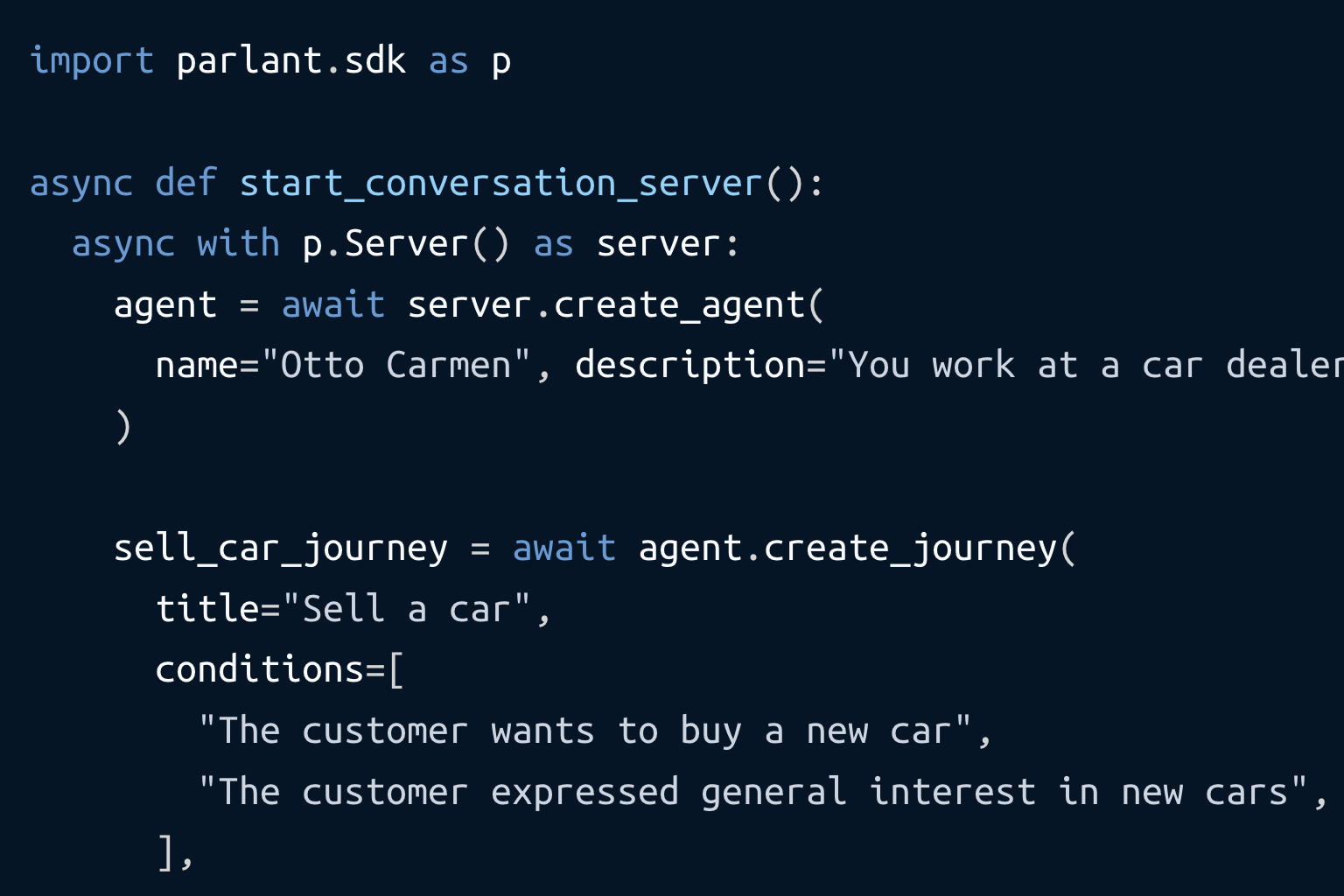
Here’s a taste of what you can now do with just a few lines of Python:
import parlant.sdk as p
from textwrap import dedent
import asyncio

@p.tool
async def human_handoff_to_sales(context: p.ToolContext) -> p.ToolResult:
  await notify_sales(context.customer_id, context.session_id)

  return p.ToolResult(
    data="Session handed off to sales team",
    control={"mode": "manual"},
  )

async def main() -> None:
    async with p.Server() as server:
        agent = await server.create_agent(
            name="Otto Carmen",
            description="You work at a car dealership",
        )

        journey = await agent.create_journey(
            title="Sell a car",
            triggers=["The customer wants to buy a new car"],
            description=dedent("""\
            Proactively help the customer decide what new car to get.

            1. First vibe and seek to clarify their situation and needs.
            Chit-chat about their current car, what they like or don't,
            as well as whether they have children or pets.
            2. Ask them about budget and preferences.
            3. Once needs are clarified, recommend relevant categories
            or specific models for consideration.
            4. Once a choice is made, ask them to confirm the order"""),
        )

        transfer_to_human_sales_rep = await journey.create_guideline(
            condition="the customer clearly stated they wish to buy a specific car",
            action="transfer them to the sales team",
            tools=[human_handoff_to_sales],
        )

asyncio.run(main())  # Now visit the playground at http://localhost:8800
Need to escalate to a human? Chain logic? Prioritize some behaviors over others? All covered with shorthand guideline relationship creation:
await transfer_to_human_sales_rep.prioritize_over(offer_on_sale_car)
🧰 Tools, Utterances, and Real Conversations
You can also easily register conditionally-evaluated tools with journeys, and add utterance templates directly:
@p.tool
async def get_on_sale_car(context: p.ToolContext) -> p.ToolResult:
    return p.ToolResult(
        data="Toyota Prius",
        utterance_fields={"car_on_sale": "Toyota Prius"},
    )

await my_journey.attach_tool(
    tool=get_on_sale_car,
    condition="the customer is interested in budget options",
)

await my_agent.create_utterance(
    template="The {{car_on_sale}} is currently on sale! Want to hear more?"
)
And because utterances are separate from generation, you get fluidity with control — so your messages stay accurate, on-brand, and hallucination-free.
🛠️ Parlant is Now a True Agent Framework
This release makes Parlant more than a config-driven system. It’s a developer-friendly framework for building scalable, interpretable, and enforceable agent behavior — all in Python.
You get:
- A clean async API.
- Strong defaults with deep extensibility.
- Full parity with CLI configuration (and more coming).
📦 Getting Started
To try it out, install the SDK:
pip install parlant
Then head to the Introduction Docs to get started.
🧭 What's Next
With 2.2, Parlant is no longer just a runtime — it’s the foundation for your conversational agent's logic, end to end.
We can’t wait to see what you build.
— Team Parlant
Get in touch with us